
Quote & Itinerary CreationTransport
Modern transport lines, Mapbox distances, required vehicle details, and mobile save.
Quest Team6 min readUpdated 24 Jul 2026
After transport lines exist, open them to set routes, stopovers, and vehicle details used in the itinerary and maps.
- 1
Open a transport line on the day
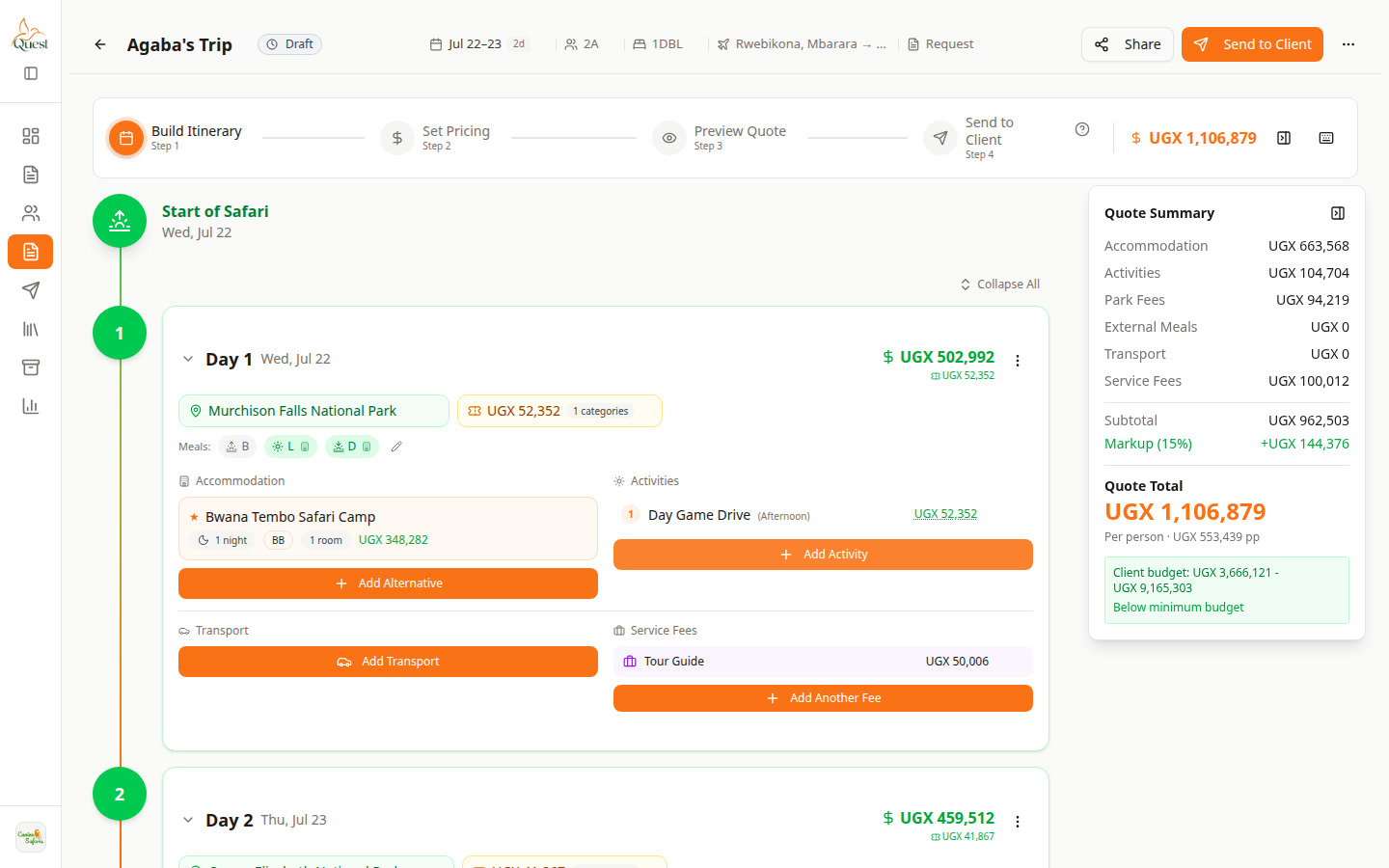
Day card
Transport lines on the day.
What the numbers mean
- 1
Transport line
Click to edit route and vehicle details.
Build Itinerary → day card → click an existing transport/vehicle line to edit it.
- 1
- 2
Adjust route details
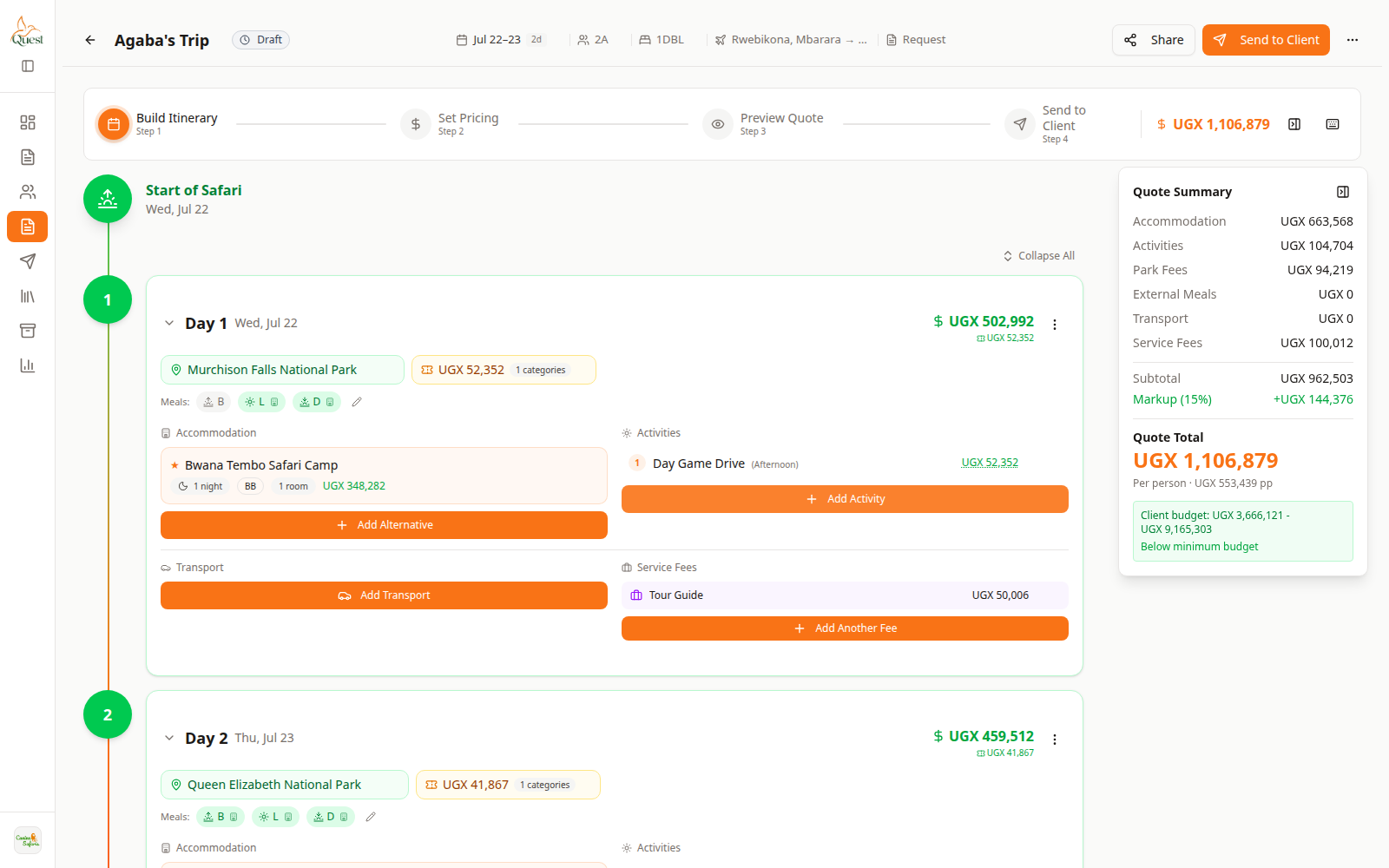
Build Itinerary
Review after edits.
What the numbers mean
- 1
Quote Summary
Transport costs roll into the trip total.
Set pickup/dropoff, stops, and any notes your workflow uses.
Save and confirm the day and Quote Summary still look right.
- 1
Was this helpful?